Install
- Drag the "auvn_installer.mzp" file onto the 3ds Max viewport, or run it from Menu -> MAXScript -> Run Script...
- In the installer window click Install (or Update if a previous version is present).
- After installation completes, restart 3ds Max.
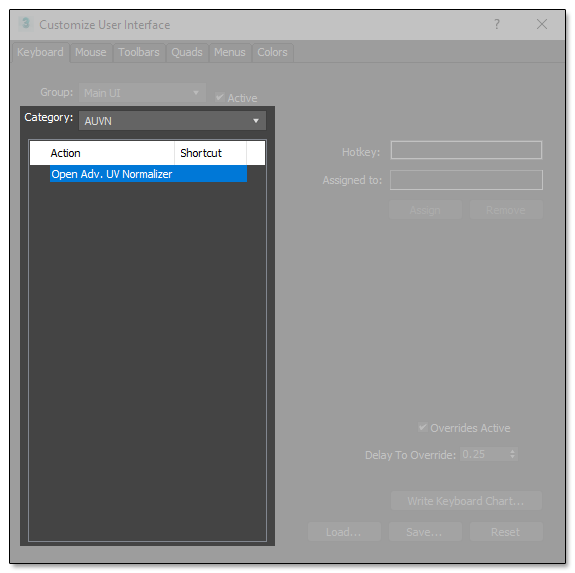
- After restarting, open Menu -> Customize -> Customize User Interface...
- In the dialog, set Category to Tools and find AUVN in the Action list.
- Drag the AUVN action to a toolbar of your choice.
Uninstall
To uninstall Adv. UV Normalizer select "Uninstall AUVN" from the AUVN Help menu.